Click Data Enrichment
← Back to Features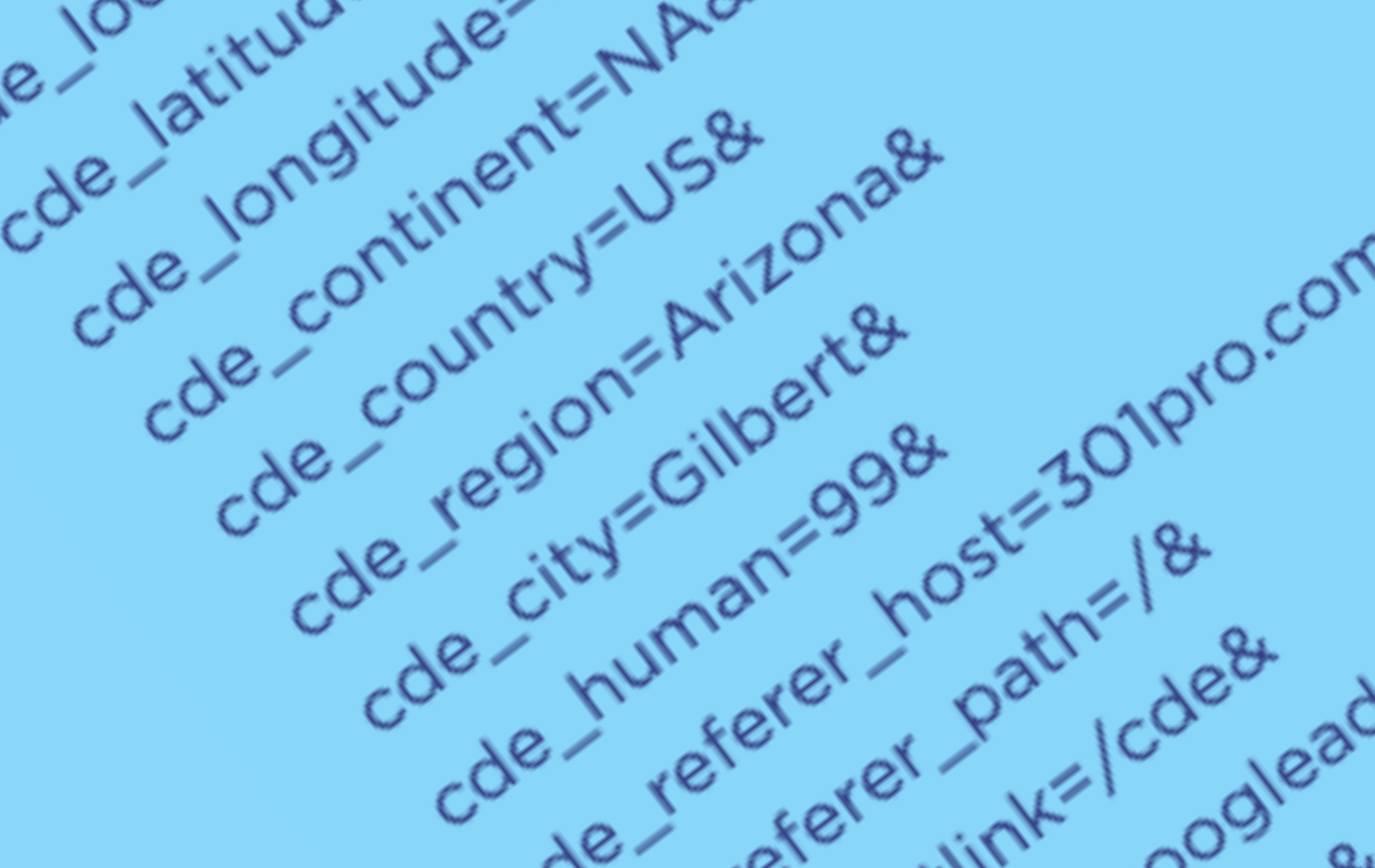
Proposal
301.Pro proposes a new tracking standard for modern digital marketing named Click Data Enrichment (CDE). While UTM parameters have served marketers for several decades, CDE parameters use self-explanatory naming and significantly expand the available localized tracking information extending the traditional UTM framework from 5 to 18 parameters. This specification provides comprehensive click tracking by incorporating temporal, geospatial, referral, and behavioral data points alongside traditional campaign tracking elements.
Important Local vs. Server Date Time Distinctions
CDE captures each visitor’s local time, unlike server-side time tracking which records everything in a single time zone. For example, if 100 users worldwide visit your website simultaneously, server logs show identical timestamps, but CDE records each visitor’s localized time. This lets you optimize marketing based on when your audience is most engaged in their time zone, improving conversion rates through time-aware targeting.
Local (to the user) Date Time Data
These parameters capture time-based information from the user’s local timezone, enabling time-sensitive content delivery and analytics:
| Parameter | Example | Description |
|---|---|---|
| cde_local_day | Mon | Day of Week 3 Letter Name (Mon,Tue…) |
| cde_local_hour | 12 | Hour in 24-hour format (0-23) |
| cde_local_minute | 54 | Minute of the hour (0-59) |
Device Data
These parameters capture information from the user’s device, language, type, etc.:
| Parameter | Example | Description |
|---|---|---|
| cde_language | en-US | Language preference from the Accept-Language header |
| cde_device_type | desktop | Device type (desktop, mobile, tablet) |
| cde_device_os | macOS | Device operating system (iOS, Android, Windows, MacOS, Linux) |
Location Data
Location parameters provide geographic context for each interaction, enabling region-specific routing and analytics:
| Parameter | Example | Description |
|---|---|---|
| cde_latitude | 40.7128 | Geographic Latitude |
| cde_longitude | 74.0060 | Geographic Longitude |
| cde_continent | NA | Two-letter continent code: Africa (AF), Antarctica (AN), Asia (AS), Europe (EU), North America (NA), Oceania (OC), South America (SA), Intercontinental (IC), Outer Space/Satellite (OS) |
| cde_country | US | Country |
| cde_region | New York | State or Province name |
| cde_city | New York City | City name |
Human vs Bot Detection
This parameter helps identify legitimate human traffic versus automated bot interactions:
| Parameter | Example | Description |
|---|---|---|
| cde_human | 99 | Human likelihood score (1-99). Higher values indicate increased likelihood of human interaction, while lower values suggest potential bot activity. |
Referring Data
Referer (famously misspelled) parameters track where traffic originates from, providing insight into traffic sources:
| Parameter | Example | Description |
|---|---|---|
| cde_referer_host | 301.Pro | Referer domain |
| cde_referer_path | / | Referer URL path |
| cde_shortlink | /cde | ProLink or Shortlink used for redirection |
Campaign Tracking (UTM Compatible)
These parameters provide backward compatibility with UTM tracking while extending functionality:
| Parameter | Example | Description |
|---|---|---|
| cde_source | googleads | Identifies which site sent the traffic (replaces utm_source). This is a required parameter. |
| cde_medium | ppc | Identifies what type of link was used, such as email or pay-per-click advertising (replaces utm_medium). |
| cde_campaign | v3release | Identifies a specific product promotion or strategic campaign (replaces utm_campaign). |
| cde_term | click+tracking | Identifies search terms (replaces utm_term). |
| cde_content | logolink | Identifies what specifically was clicked to bring the user to the site, such as a banner ad or a text link. Often used for A/B testing and content-targeted ads (replaces utm_content). |
Implementation Notes
The following guidelines ensure proper implementation of CDE parameters across all platforms and use cases:
| Implementation Guideline | Description |
|---|---|
| URL-Safe Parameters | All CDE parameters are designed to be URL-safe and should be properly encoded when used in URLs. |
| Backward Compatibility | The system maintains backward compatibility with traditional UTM parameters while extending functionality. |
| DateTime Standards | DateTime parameters follow international standards (ISO 8601) for consistency across regions. |
| Location Support | Location parameters support global tracking with standardized continent codes. |
| Human Detection | The human detection score provides a quantitative measure for traffic quality assessment. |
Best Practices
Follow these best practices to maximize the effectiveness of your CDE parameter implementation:
| Best Practice | Details |
|---|---|
| Include Essential Parameters | Always include essential UTM-compatible parameters (cde_source, cde_medium, cde_campaign) for basic tracking. |
| Use Lowercase Values | Use lowercase values for CDE parameters for better cross system matching. |
| Connect Multiple Words | Use underscore to connect multiple words into_one_value. |
| Handle Special Characters | Use URL encoding for parameters containing special characters or spaces. Try to avoid spaces when possible, replacing spaces with an_underscore or a plus+sign. |
| Implement Validation | Implement server-side validation for parameter formats, especially for numerical values. |
| Consider Privacy | Consider privacy regulations when collecting and storing location data. |
| Document Custom Values | Document any custom values used for cde_medium and cde_content parameters. |
Example Implementation
Below is a comprehensive example URL showing all available CDE parameters in use. Each parameter is shown with its example value which can be treated as a default value for documentation purposes. This demonstrates how parameters from different categories can be combined in a single implementation: