URL Shortener Pricing in 2026: A No-BS Comparison
← Back to Blog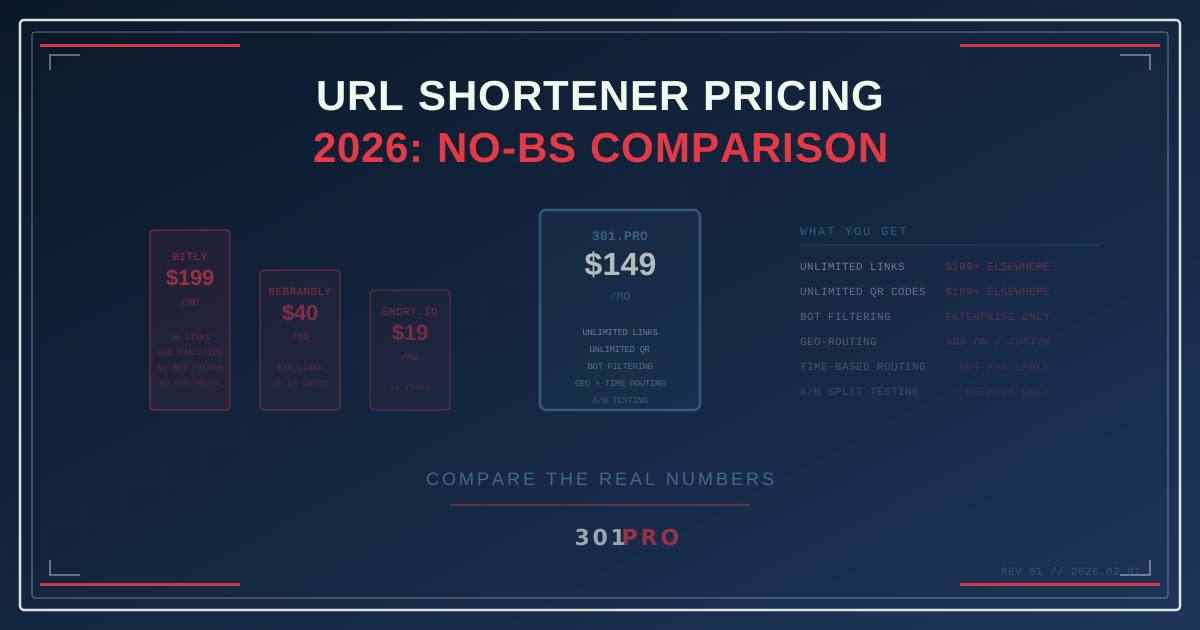
Every Pricing Page Lies a Little
Here’s a fun game: go to any link shortener’s pricing page and try to figure out what you’ll actually pay. Count the asterisks. Read the fine print. Try to calculate the cost of your specific use case.
You can’t. And that’s by design.
Pricing pages are optimized to get you to click “Start Free Trial,” not to help you make informed decisions. So let’s do what they won’t — lay it all out in one place.
The 2026 Pricing Landscape
We looked at the five biggest players and broke down what you actually get at each tier. No spin, no affiliate links, no “but if you use our promo code…” — just the numbers.
Free Tiers: What You Actually Get for $0
| Feature | Bitly | Rebrandly | TinyURL | Short.io | 301.Pro |
|---|---|---|---|---|---|
| Links/month | 5 | 10 | Unlimited | 1,000 | 10 (Demo) |
| QR codes/month | 2 | 0 | 0 | Unlimited | Demo |
| Analytics retention | 30 days | 30 days | None | Full | Demo |
| Custom domains | No | No | No | 1 | Demo |
| Bot filtering | No | No | No | No | Demo |
| Interstitial ads | Yes | No | No | No | No |
The takeaway: Free tiers in 2026 are demo tiers. They exist to get your credit card on file, not to solve your problems. 301.Pro is honest about this — the free account is explicitly labeled “Demo, Not For Production.” Others just quietly cripple the experience.
Entry-Level Paid Plans ($8-$29/mo)
This is where most individuals and small teams start.
| Feature | Bitly Core ($10/mo) | Rebrandly Essentials ($13/mo) | Short.io Personal ($19/mo) | 301.Pro Professional ($149/mo) |
|---|---|---|---|---|
| Links/month | 50 | 100 | 1,000 | Unlimited |
| QR codes | 5 | 5 | Unlimited | Unlimited |
| Custom domains | 1 | 1 | 5 | Included |
| Analytics | 30 days | Basic | Full | Full + bot filtering |
| 301 redirects | Yes | Yes | Yes | Yes |
| Geo-routing | No | No | Paid add-on | Included |
| Time-based routing | No | No | No | Included |
| Ad interstitials | No | No | No | No |
Wait, 301.Pro starts at $149? Yes. And that’s the point.
Here’s the thing about the $10-29/month plans: they’re designed to get you paying, not to solve your problems. Fifty links per month on Bitly Core? A marketing intern burns through that before lunch on Monday.
These plans exist to create friction. You’ll outgrow them in weeks, then face the real pricing conversation.
Mid-Tier Plans ($29-$199/mo)
This is where most marketing teams actually land after they outgrow the entry tier.
| Feature | Bitly Growth ($29/mo) | Bitly Premium ($199/mo) | Rebrandly Pro ($40/mo) | 301.Pro Professional ($149/mo) |
|---|---|---|---|---|
| Links/month | 500 | 3,000 | 500 | Unlimited |
| QR codes | 10 | Unlimited | 25 | Unlimited |
| Custom domains | 1 | 5 | 3 | Included |
| Analytics | Full | Full | Full | Full + bot filtering |
| Dynamic QR | No | Yes | Paid | Included |
| A/B testing | No | Yes | No | Included |
| API access | Limited | Full | Limited | Full |
| Team seats | 1 | 3 | 3 | Team included |
Here’s where the math gets interesting. A marketing team that needs unlimited QR codes, A/B testing, and real analytics is looking at Bitly Premium at $199/month. 301.Pro’s Professional plan at $149/month includes all of that plus features Bitly charges separately for — geo-routing, time-based routing, and bot filtering.
Enterprise ($199+/mo)
| Feature | Bitly Enterprise (custom) | Rebrandly Enterprise (custom) | 301.Pro Business ($199/mo) | 301.Pro Real-Time ($499/mo) |
|---|---|---|---|---|
| Links | Unlimited | Unlimited | Unlimited | Unlimited |
| QR codes | Unlimited | Unlimited | Unlimited | Unlimited |
| SSO/SAML | Yes | Yes | Contact | Yes |
| Custom integrations | Yes | Yes | API access | Full + webhooks |
| Dedicated support | Yes | Yes | Priority | Dedicated |
| Real-time webhooks | No | No | No | Yes |
| SMS click attribution | No | No | No | Yes |
| First-party pixels | No | No | No | Yes |
At the enterprise level, you’re comparing different animals. Bitly and Rebrandly are link shorteners that added features. 301.Pro’s Real-Time Data tier is a link intelligence platform — real-time webhooks, SMS click attribution, first-party pixel analytics, and weather-based routing aren’t features you bolt on. They’re a fundamentally different architecture.
The Hidden Costs Nobody Mentions
Sticker price is one thing. Here’s what you should add to the total:
Overage Charges
Bitly and Rebrandly charge per link when you exceed your monthly limit. At scale, this adds up fast. A campaign that goes viral? Your link shortener sends you a surprise bill. 301.Pro doesn’t have per-link overage charges — paid plans include unlimited links.
Integration Tax
Need webhook notifications when someone clicks a link? That’s an enterprise feature on most platforms. Need to route users based on geography? That’s a paid add-on or enterprise-only. On 301.Pro, geo-routing and time-based routing come standard on the Professional plan.
Analytics Expiration
Bitly’s cheaper plans expire your analytics after 30 days. Thirty. Days. You run a Q1 campaign and by Q2 the data is gone. If you want to keep your own click data, you need Premium or higher.
Bot Inflation
If your platform doesn’t filter bot traffic, your click numbers are inflated by 40-60%. You’re not just getting inaccurate data — you’re potentially making budget decisions based on fantasy metrics. Bot filtering is a standard feature on 301.Pro, but a premium or enterprise feature on most competitors.
What Should You Actually Pay?
Here’s our honest recommendation based on use case:
Solo creator or small blog: TinyURL is free and fine if you don’t need analytics. If you need analytics, 301.Pro’s Demo lets you test the platform before committing.
Small marketing team (5-50 links/month): The $10-29 plans from Bitly or Rebrandly work if you genuinely stay small. But if you’re reading this article, you’ve probably already outgrown them.
Growing marketing team (50+ links/month): This is where 301.Pro’s Professional plan at $149/month starts making economic sense. You get unlimited links, unlimited QR codes, bot filtering, geo-routing, and time-based routing — features that would cost $199-500/month elsewhere or require enterprise contracts.
Enterprise with advanced needs: If you need real-time webhooks, SMS attribution, or first-party pixel tracking, 301.Pro’s Real-Time Data tier at $499/month offers capabilities that competitors simply don’t have at any price.
The Bottom Line
The cheapest option isn’t always the most expensive, but in link shortening, it usually is. The $10/month plan that runs out of links, expires your analytics, and inflates your numbers with bots ends up costing more in lost time and bad decisions than a proper platform would.
Don’t compare sticker prices. Compare what you get. Count the links. Check the analytics retention. Ask about bot filtering. Look at the actual feature set — not the marketing page’s highlight reel.
Your links are marketing infrastructure. Price them accordingly.