How a Restaurant Chain Uses One Link for Breakfast, Lunch, and Dinner Menus
← Back to Blog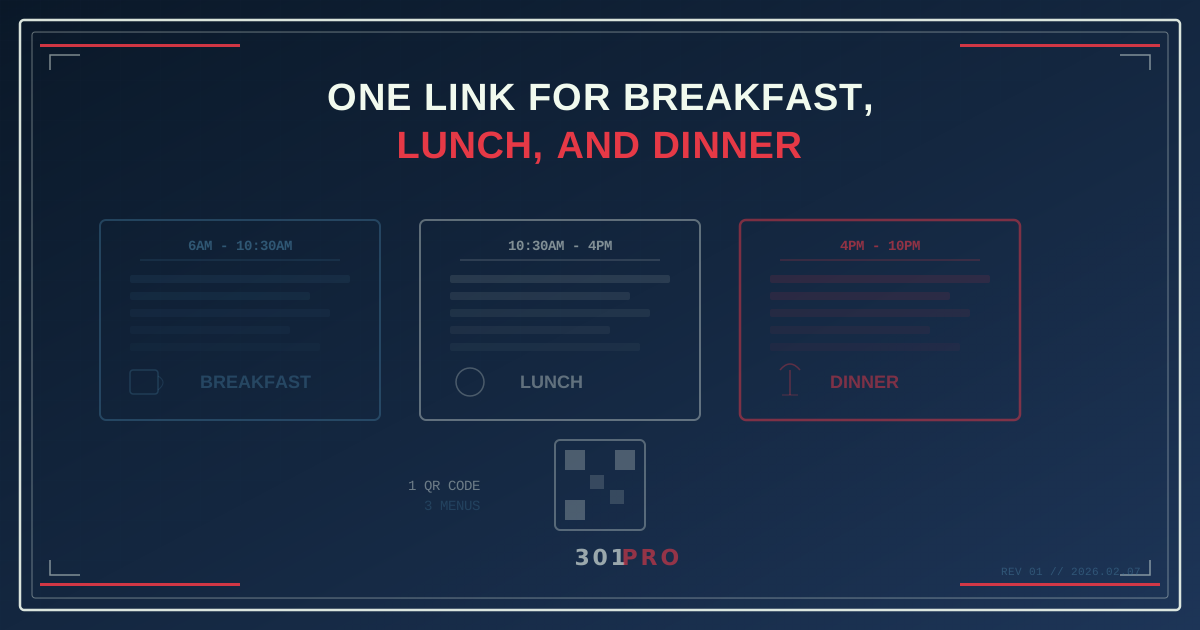
The Three-Menu Problem
You run a restaurant that serves breakfast, lunch, and dinner. You have table tents with a QR code linking to your menu. Here’s your problem:
At 8am, a customer scans the QR code and sees… your full menu. All of it. Breakfast, lunch, dinner, desserts, drinks, kids’ menu. Sixty items when they want to see twelve.
They scroll past the dinner steaks to find the breakfast burritos. Or worse, they don’t scroll at all. They put the phone down and ask the server, “What’s good for breakfast?”
Your QR code just failed at its one job.
The Fix: Time-Based Menu Routing
What if the same QR code showed different menus depending on when it was scanned?
- 6am - 10:30am: Breakfast menu
- 10:30am - 4pm: Lunch menu and daily specials
- 4pm - 10pm: Dinner menu and wine list
- 10pm - 6am: Late night menu (or “Sorry, we’re closed — here’s tomorrow’s hours”)
One QR code on the table tent. One URL on your website. One link in your Google Business profile. The customer always sees the right menu for the right meal — automatically.
This is exactly what 301.Pro’s time-based routing does, and restaurants are one of its most natural use cases.
Setting It Up: A Step-by-Step Walkthrough
Let’s build this for a real restaurant scenario. You’re “The Maple Kitchen” — a farm-to-table spot with 12 locations across two states.
Step 1: Build Your Menu Pages
Create separate menu pages for each daypart:
maplekitchen.com/menu/breakfastmaplekitchen.com/menu/lunchmaplekitchen.com/menu/dinnermaplekitchen.com/menu/late-night
These can be on your website, your ordering platform, or your POS system’s online ordering page. 301.Pro doesn’t care where they live — it just routes to them.
Step 2: Create the Smart Link
In 301.Pro, create a link: 301.pro/cde/maple-menu
Set up time-based routing rules:
| Time Window | Destination |
|---|---|
| 6:00am - 10:30am | Breakfast menu |
| 10:30am - 4:00pm | Lunch menu |
| 4:00pm - 10:00pm | Dinner menu |
| 10:00pm - 6:00am | Late night / hours page |
The time is based on the scanner’s local timezone, not your server’s. So if you have locations in both Eastern and Central time zones, a 9am scan in Nashville shows breakfast, and a 9am scan in New York shows breakfast — each in their own local time.
Step 3: Generate the QR Code
Create a QR code from your smart link. This is the one QR code you’ll use everywhere:
- Table tents
- Counter displays
- Window stickers
- Takeout bags
- Receipts
- Google Business profile
- Instagram bio
One code. Every location. Every meal.
Step 4: Layer in Location Routing (Optional)
If your 12 locations have different menus (maybe the downtown spot doesn’t serve breakfast), add location rules:
| Priority | Conditions | Destination |
|---|---|---|
| 1 | Downtown location + Morning | ”Breakfast not available — see lunch menu starting 10:30am” |
| 2 | Any location + Morning | Breakfast menu |
| 3 | Any location + Midday | Lunch menu |
| 4 | Any location + Evening | Dinner menu |
| Default | General menu page |
Now your single QR code handles both time and location differences across all 12 locations.
Why This Matters More Than You Think
Shorter Decision Time = Faster Table Turns
When customers see only the relevant menu items for the current meal, they decide faster. They’re not scrolling through 60 items to find the 15 that apply right now.
Restaurants that implement daypart-specific digital menus report 15-20% faster ordering times. For a busy lunch spot doing 200 covers in two hours, that’s meaningful capacity.
Fewer Server Interruptions
“Can I see the lunch menu?” and “Is the breakfast still available?” are questions your servers answer dozens of times per shift. A time-aware QR code eliminates both. The menu is always current. The server can focus on hospitality instead of menu logistics.
Seasonal and Daily Specials Without Reprinting
Your chef decides to add a butternut squash soup to Wednesday’s lunch special? Update the lunch menu page. The QR code on every table tent across all 12 locations instantly reflects the change. No new QR codes, no new printouts, no “tell every location to swap the inserts.”
Accurate Pricing Across Dayparts
Many restaurants price differently at lunch vs. dinner. The same grilled salmon might be $18 at lunch and $26 at dinner. A static menu forces you to list both prices (confusing) or pick one (inaccurate). A time-based menu shows the right price at the right time.
Advanced Restaurant Routing Patterns
Happy Hour Countdown
Between 4pm and 6pm, route to a happy hour-specific page with drink specials, small plates, and a countdown timer showing how long the deals last. After 6pm, switch to the full dinner menu.
Weekend Brunch Mode
Add day-of-week conditions to your time rules:
| Day + Time | Destination |
|---|---|
| Sat/Sun, 8am - 2pm | Brunch menu (bottomless mimosas, etc.) |
| Mon-Fri, 6am - 10:30am | Weekday breakfast menu |
| All days, 4pm - 10pm | Dinner menu |
Same QR code, different menu on weekends. Your brunch crowd gets the brunch experience without your weekday breakfast regulars seeing “Eggs Benedict $22” on a Tuesday.
Catering and Group Orders
Add device-based rules: if someone scans from a desktop during business hours, show the catering and group ordering page instead of the dine-in menu. A person on a laptop at 2pm on a Wednesday is probably planning a team lunch, not browsing tonight’s dinner options.
Delivery vs. Dine-In
If your POS system has separate ordering flows for delivery and dine-in, route accordingly. Scans from within your restaurant’s geofence go to the dine-in menu (with table numbers). Scans from elsewhere go to the delivery ordering page.
The QR Code Lifecycle for Restaurants
Here’s something restaurant operators love about this approach: you never reprint QR codes.
The QR code on your table tent today is the same QR code that will be there in six months. When you update your menu, change your seasonal offerings, adjust pricing, or add a new location — the QR code stays the same. Only the destination changes.
This means:
- No seasonal reprints — change the menu pages, not the codes
- No per-location codes — one code works at every table at every location
- No disposal waste — your table tents and stickers are permanent fixtures
- No “which QR code goes to which menu” confusion — there’s only one
The Analytics Bonus
When every menu scan goes through 301.Pro, you get data you never had before:
- Peak scan times — when are customers most likely to check the menu digitally?
- Menu view duration — how long do they spend on each menu? (Correlate with page analytics)
- Location comparison — which locations get the most menu scans? Which need more table tents?
- Daypart engagement — do your customers engage more with breakfast or dinner menus?
- Day-of-week patterns — is brunch scanning growing week over week?
Bot filtering ensures you’re looking at real customer scans, not web crawlers hitting your QR code URL.
Implementation Costs
Let’s do the math for a 12-location restaurant chain:
Traditional approach (static QR codes):
- Design and print table tents: $3-5 per table tent × 20 tables × 12 locations = $720-1,200
- Seasonal reprints (4x/year): $2,880-4,800/year
- Menu change reprints (ad hoc): $500-1,000/year
- Total: $3,380-5,800/year just in printing
Smart link approach:
- 301.Pro Professional plan: $149/month = $1,788/year
- One-time table tent printing: $720-1,200 (never reprinted)
- Total first year: $2,508-2,988
- Total subsequent years: $1,788/year (no reprinting)
By year two, the smart link approach saves $1,592-4,012/year — and that’s before counting the time your manager spends coordinating QR code reprints across 12 locations.
The Bottom Line
A restaurant that serves three meals a day shouldn’t need three QR codes. It needs one code that’s smart enough to know what time it is.
Time-based routing turns a static QR code into a dynamic menu system. The breakfast crowd sees breakfast. The lunch crowd sees lunch. The dinner crowd sees dinner. And your operations team never reprints a table tent again.
One code. Every meal. Every location. Updated in real time.
That’s how smart restaurants serve their menus in 2026.