The Real Cost of a 'Free' Link Shortener
← Back to Blog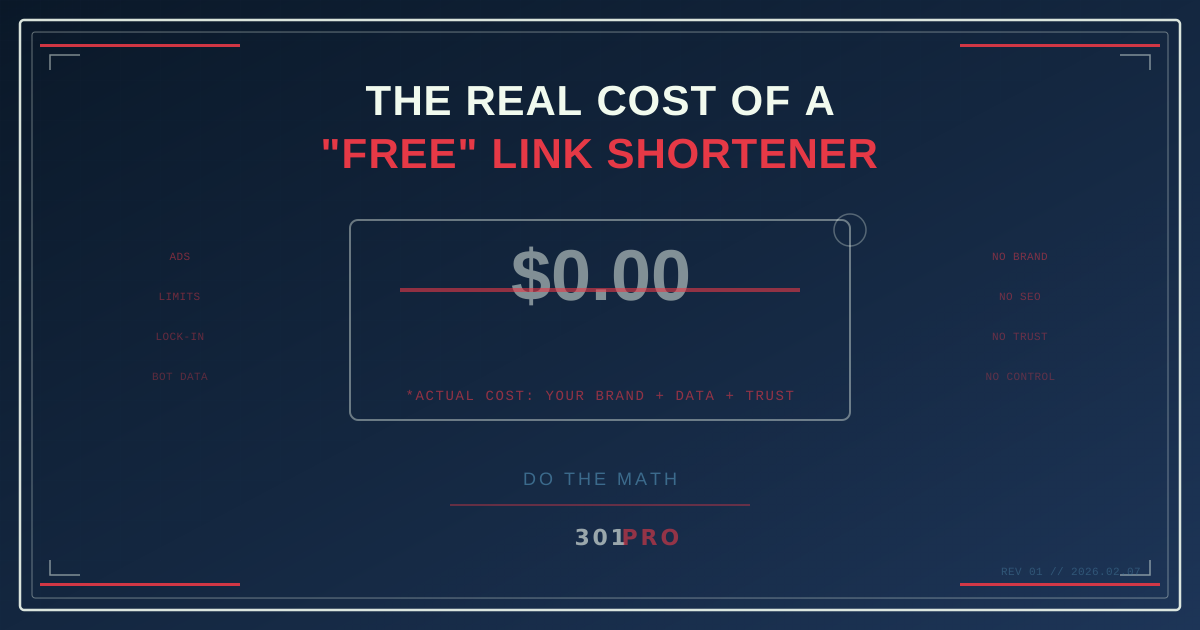
Nothing Is Free. Especially Link Shorteners.
You know that thing where a restaurant advertises “free appetizers” but the entrees are priced 40% higher than the place next door? That’s basically the link shortener industry right now.
Every major “free” link shortener has figured out how to extract value from you — they just don’t all do it the same way. Some take your data. Some take your brand. Some take your audience’s attention. And some do all three.
Let’s pull back the curtain.
The Hidden Price Tags
You’re Paying With Your Brand
When you use bit.ly/abc123 or tinyurl.com/random, your audience sees someone else’s brand before they see yours. In an era where trust is currency, you’re literally spending it on someone else’s domain.
Studies consistently show that branded links — links on your own domain or a recognizable short domain — get meaningfully more clicks than generic shortened URLs. The difference is significant enough to change campaign outcomes.
You’re Paying With Ads
Bitly’s free plan now shows interstitial ad pages before users reach your destination. You’re not just shortening a link — you’re adding a commercial break to your customer’s journey. For free.
You’re Paying With Data Limits
Most free plans throttle you to near-uselessness:
| Platform | Free Links/Month | Free QR Codes | Click Analytics |
|---|---|---|---|
| Bitly | 5 | 2 | 30 days only |
| Rebrandly | 10 | 0 | Basic only |
| TinyURL | Unlimited* | 0 | None |
| Short.io | 1,000 | Unlimited | Full |
| 301.Pro | 10 (Demo)† | Unlimited | Full with bot filtering |
*TinyURL gives unlimited links but no analytics at all. It’s like driving with your eyes closed — technically you’re moving, but you have no idea where you’re going.
†301.Pro’s free Demo account is for evaluation only — not production use. Paid plans (starting at $149/mo) include unlimited links, QR codes, and full analytics with bot filtering. The point isn’t to compete on “free” — it’s to give you the real thing when you’re ready.
You’re Paying With Accuracy
Free-tier analytics are often riddled with bot traffic that’s not filtered. If your free shortener is telling you a link got 1,000 clicks but 600 of those were bots, you’re making business decisions based on fantasy numbers.
Let’s Do The Actual Math
Here’s a scenario. You’re a marketing manager running 10 campaigns per month, each needing 5-10 links. Pretty standard.
The “Free” Bitly Route
- 5 links per month on free plan — you’ll need paid immediately
- Bitly Core plan: $10/month = $120/year
- But Core only gives you 50 links/month with 30-day analytics
- Need more? Bitly Growth: $29/month = $348/year
- Need QR codes for print? Bitly Premium: $199/month = $2,388/year
The True Cost Breakdown
But the sticker price isn’t the real cost. Factor in:
Time cost: Manually creating workarounds when you hit your link limit. Downloading analytics before they expire. Building QR codes in separate tools because your shortener charges extra. Conservative estimate: 2 hours/month × $50/hr = $1,200/year.
Opportunity cost: The clicks you’re losing from unbranded links add up fast. A marketing team sending 100 links per month that sees even a modest improvement in click-through rates from branding is leaving real revenue on the table — potentially thousands of dollars per year in lost conversions.
Trust cost: Impossible to quantify, but every ad interstitial, every generic bit.ly link in a sales deck, every broken QR code that hit its limit — each one chips away at your brand’s credibility.
The Free Tier Trap
Here’s the playbook every freemium link shortener runs:
- Get you hooked with a generous free tier
- Slowly restrict the free tier (Bitly has done this four times)
- Add friction to the free experience (interstitial ads, analytics expiration)
- Price the escape at whatever the market will bear
It’s the classic lock-in play. Your old links are on their domain. Your team has muscle memory around their interface. Your analytics history lives in their dashboard. Moving feels painful, so you pay.
What Should You Actually Look For?
When evaluating link management platforms, here’s what matters:
Must-Haves (That Should Be Standard)
- Unlimited links — It costs pennies to store a redirect. Don’t pay per link.
- Unlimited QR codes — A QR code is literally just a visual encoding of a URL. It costs nothing extra to generate.
- Full analytics — Click data without bot filtering and historical access is useless.
- 301 redirects — Not 302s, not JavaScript redirects, not interstitial pages.
Nice-to-Haves (That Are Worth Paying For)
- Custom domains — Use your own branded short domain
- Geo-routing — Send users to different destinations based on location
- Time-based routing — Change link destinations on a schedule
- A/B testing — Split traffic between destinations
- Bot filtering — Separate real humans from crawler noise
- API access — Integrate link management into your tools
The Bottom Line
“Free” link shorteners follow a predictable pattern: free today, expensive tomorrow, and you’re locked in either way.
The question isn’t “how much does a link shortener cost?” The question is “how much is the free one costing me?”
When you add up the brand dilution, the lost clicks, the ad interstitials, the data gaps, the time spent on workarounds, and the anxiety of depending on a platform that keeps moving the goalposts — “free” starts looking very expensive.
Your links are infrastructure. Treat them that way.