10 Things You're Doing Wrong with QR Codes on TV Commercials
← Back to Blog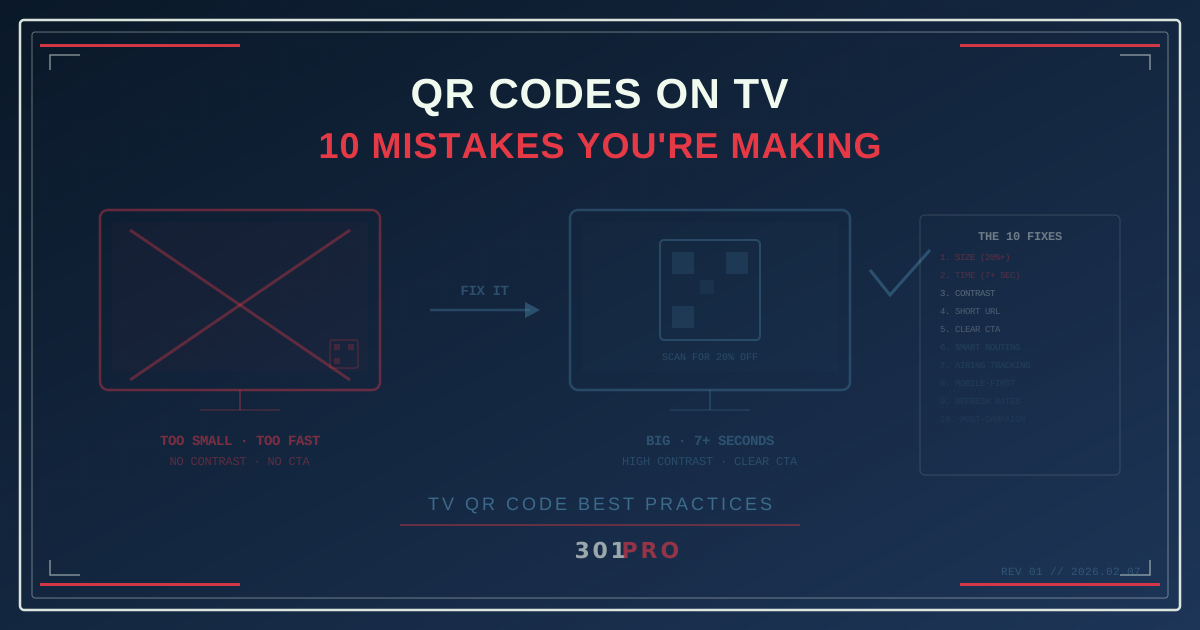
The Super Bowl Changed Everything (And Nothing)
When Coinbase ran a bouncing QR code during the 2022 Super Bowl, it crashed their app from the traffic. QR codes on TV went from “weird gimmick” to “we need that.” Every brand started slapping QR codes on their commercials.
Most of them got it wrong.
Four years later, QR codes on TV are everywhere — and most of them still don’t work. Not because the technology failed, but because the execution is terrible. Here are the ten mistakes killing your TV QR code strategy.
1. The QR Code Is Too Small
This is the most common mistake by a mile. The QR code needs to be scannable from across a living room, by a phone camera, on a TV screen that might be 42 inches or 85 inches, from 6 feet away or 12 feet away.
The rule: Your QR code should occupy at least 20% of the screen height. On a 1080p frame, that’s roughly 216 pixels minimum. Bigger is better.
Most brands treat the QR code like a footnote — tucked in the corner at 5% of screen height. Nobody’s scanning that from the couch. They can’t even see it clearly enough to know it’s a QR code.
2. It’s Not on Screen Long Enough
A viewer needs to: (1) notice the QR code, (2) decide to scan it, (3) pick up their phone, (4) open the camera, (5) aim it at the screen, and (6) hold steady long enough for the scan to register.
That takes a minimum of 5-7 seconds. Most TV spots show the QR code for 2-3 seconds at the end card.
The rule: QR codes need at least 7 seconds of screen time. 10+ seconds is better. If your spot is 15 seconds, you can’t afford a QR code — there’s not enough time. Save them for 30-second and 60-second spots, or for static bumpers and sponsorship frames.
3. No Contrast Against the Background
A QR code needs high contrast to scan reliably. Black on white is ideal. Dark on light is acceptable. White on a busy video background? Almost impossible.
The worst offenders overlay a QR code directly on moving video footage without a solid background behind it. The video’s colors shift frame by frame, the contrast fluctuates, and the phone camera can’t lock onto the code.
The rule: Always place the QR code on a solid, high-contrast background. A white or light rectangle behind a dark QR code works every time. Never float a QR code over video without a backer.
4. The URL Is Too Long (High Density)
QR codes encode URLs. Longer URLs create denser QR codes with more modules (the little squares). Denser codes are harder to scan, especially from a distance, on a TV, with a phone camera that’s already dealing with screen glare and refresh rate artifacts.
https://www.yourbrand.com/campaigns/2026/super-bowl/landing-page?utm_source=tv&utm_medium=commercial&utm_campaign=sb60That URL creates a QR code with ~150 modules. From 8 feet away, each module is a tiny speck.
The rule: Use a short URL. 301.pro/cde/tv encodes into a QR code with ~30 modules. Fewer modules = larger modules = easier scanning from distance. Smart links were practically invented for this use case.
5. No Call to Action
A QR code without context is a mystery box. Viewers need to know what happens when they scan. “Scan to watch the full trailer.” “Scan for 20% off.” “Scan to enter the giveaway.”
Just showing a QR code and hoping people scan it is like putting a button on a website with no label. Sure, some people will click out of curiosity. Most won’t.
The rule: Always pair the QR code with a clear, benefit-driven CTA. Tell people what they’ll get. Make it worth pulling out their phone.
6. Static Link to a Static Page
Your TV commercial airs during Monday Night Football, Saturday morning cartoons, and the evening news. Three very different audiences. Three very different times of day. And they all get the same destination.
The fix: Use a smart link with time-based or context-based routing. 301.Pro lets you route the same QR code to different destinations based on when the scan happens:
| Air Time | Scan Destination |
|---|---|
| Morning show | Breakfast product page |
| Primetime | Main campaign landing page |
| Late night | Extended “behind the scenes” content |
Same QR code in the commercial. Different experience for different audiences.
7. You Can’t Track Which Airing Drove Scans
Your commercial airs 200 times across 15 networks over four weeks. Which airings drove the most scans? Which networks? Which dayparts?
If you’re using a static QR code, you see aggregate scan numbers. That’s it. You know 50,000 people scanned the code, but you don’t know which of the 200 airings they saw.
The fix: Use 301.Pro’s click analytics to correlate scan timestamps with your media buy schedule. If 800 scans happened between 9:02pm and 9:05pm on Thursday, and your spot aired during a specific show at 9:01pm, you’ve matched the airing to the response. This gives you per-airing performance data that’s impossible with static codes.
8. The Destination Isn’t Mobile-Optimized
Everyone scanning a QR code from a TV is on their phone. Every. Single. One.
If the destination page is a desktop-optimized experience with tiny text, horizontal scrolling, and a 12-field form, you’ve lost them. The scan-to-bounce rate for non-mobile-optimized TV QR destinations is brutal.
The rule: The landing page must be mobile-first. Fast loading (under 2 seconds), thumb-friendly, above-the-fold CTA, minimal form fields. Test it on a phone before the spot airs.
9. You Forgot About Screen Refresh Rates
TV screens don’t display a static image — they refresh 60 or 120 times per second. Phone cameras capture at 30 or 60 fps. When these rates don’t align perfectly, you get rolling bands of light and dark across the screen that interfere with QR code scanning.
This is worse on LED and OLED screens at certain brightness levels, and worse with phone cameras that use rolling shutter (which is most of them).
The fix: Display the QR code for extra time to give the phone camera multiple clean frames. Higher contrast helps, because even with some banding, the camera can still read the code if the difference between dark and light modules is extreme enough. And test scanning your QR code on an actual TV before committing to the creative.
10. The QR Code Dies After the Campaign
Your commercial airs for four weeks. The campaign ends. But the commercial lives forever on YouTube, social media clips, and streaming replay. People will scan that QR code months or years later.
If the code points to a dead page, a 404, or a stale promotion, every future scan is a wasted impression and a bad brand experience.
The fix: Use a smart link that you can update after the campaign ends. During the campaign, route to the promotional landing page. After the campaign, route to your main product page or a “Here’s what’s happening now” evergreen destination. The QR code in the video never changes, but the destination always stays relevant.
The Checklist Before You Go Live
Before your commercial airs with a QR code:
- QR code is at least 20% of screen height
- On screen for 7+ seconds (10+ preferred)
- Solid, high-contrast background behind the code
- Using a short URL (30 modules or fewer)
- Clear CTA telling viewers what they’ll get
- Smart link with time-based or post-campaign routing
- Analytics ready to correlate scans with airings
- Mobile-optimized landing page
- Tested on an actual TV with 3 different phones
- Post-campaign destination configured
The Bottom Line
QR codes on TV are powerful — they bridge the gap between the biggest screen in the house and the most personal device in your pocket. But the execution has to be right. Too small, too fast, too dense, or too static, and you’ve wasted a six-figure media buy on a code nobody can scan.
Get the basics right: big, contrasty, long enough, short URL, clear CTA, smart routing. Then measure everything.
Your TV commercial is expensive. Make sure the QR code actually works.