How to Preserve Link Equity When You Rebrand or Change Domains
← Back to Blog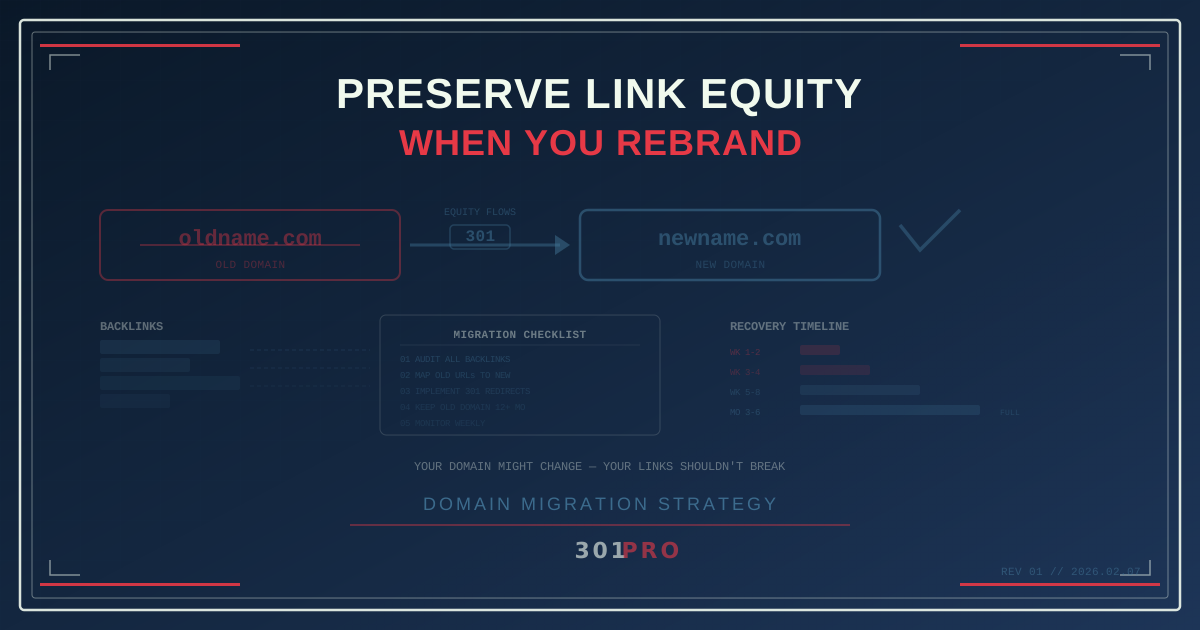
The Rebrand That Tanked Their Rankings
A SaaS company rebrands. New name, new domain, new visual identity. The marketing team is excited. The design is sharp. The launch goes smoothly.
Six weeks later, organic traffic drops 40%. Rankings that took three years to build disappear from page one. Backlinks that hundreds of blog posts, press mentions, and partnerships generated now point to a domain that no longer exists.
The brand changed. The links didn’t follow.
This is the most expensive mistake in domain migration, and it happens constantly. Years of accumulated link equity — the SEO value built through external links pointing to your domain — can evaporate in a single mismanaged rebrand.
What Link Equity Actually Is
Link equity (sometimes called “link juice”) is the SEO value that flows from one page to another through hyperlinks. When a high-authority website links to your blog post, some of their authority transfers to your page. That’s why backlinks are one of the strongest ranking signals in search.
Over time, a well-marketed domain accumulates thousands of these backlinks. Blog mentions, press coverage, partner links, social shares, directory listings, resource pages. Each one contributes a small amount of authority. Together, they’re the foundation of your organic search performance.
When you change domains, all of those backlinks still point to the old domain. If you don’t redirect them properly, search engines can’t connect the old equity to the new domain. Your three years of link building effectively starts over at zero.
The Three Migration Scenarios
Scenario 1: Domain Name Change
You’re moving from oldname.com to newname.com. The site structure stays the same, but the domain changes. This is the most common rebrand scenario.
What needs to happen: Every URL on oldname.com needs a 301 redirect to the equivalent URL on newname.com. The redirect map should be 1:1 — each old page redirects to the corresponding new page.
Scenario 2: Domain Change + URL Restructure
You’re changing domains AND restructuring your URL paths. oldname.com/blog/post-title becomes newname.com/resources/articles/post-title.
What needs to happen: A redirect map that handles both the domain change and the path changes. This is more complex but follows the same principle — every old URL should 301 redirect to its new equivalent.
Scenario 3: Domain Consolidation
You’re merging multiple domains into one. Maybe product-a.com and product-b.com are consolidating into company.com.
What needs to happen: Redirect maps for each source domain, all pointing to the appropriate destinations on the consolidated domain.
Why 301 Redirects Are Non-Negotiable
The redirect type matters enormously. As we’ve covered in our post on 301 vs. 302 redirects, a 301 (permanent) redirect tells search engines to transfer link equity to the new destination. A 302 (temporary) redirect does not reliably transfer equity.
For domain migrations, 301 redirects are the only correct choice. The move is permanent. The old domain isn’t coming back. Using 302s — or worse, not redirecting at all — means search engines don’t know that the new domain should inherit the old domain’s authority.
The Smart Link Advantage
Here’s where strategic link management pays off in spades. If you’ve been using a link management platform like 301.Pro for your external links — shared on social media, in emails, in QR codes, in partnerships — your shared links live on a domain you control, not on the old brand’s domain.
Consider two approaches:
Approach A: Direct Links (No Link Management)
All your external marketing used direct URLs:
- Social posts link to
oldname.com/landing-page - Email campaigns link to
oldname.com/promotions/spring - QR codes encode
oldname.com/product - Partner sites link to
oldname.com/partner-resources
When you rebrand, you need to redirect every single one of these URLs from the old domain to the new domain. If you let the old domain expire or don’t maintain redirects, all those links die.
Approach B: Managed Links (301.Pro)
All your external marketing used 301.Pro links:
- Social posts link to
301.pro/cde/landing - Email campaigns link to
301.pro/cde/spring - QR codes encode
301.pro/cde/product - Partner sites link to
301.pro/cde/resources
When you rebrand, you update the destinations in 301.Pro from oldname.com/* to newname.com/*. The external links don’t change. Every social post, every email, every QR code, every partner link continues working — now pointing to the new domain.
No redirect maps. No dependency on maintaining the old domain. No risk of broken links.
The Migration Checklist
Whether you’re using managed links or direct links, here’s the complete checklist for preserving link equity during a rebrand:
Pre-Migration
-
Audit all backlinks. Use a tool like Ahrefs, Moz, or Google Search Console to export every external link pointing to your old domain. Know what you’re working with.
-
Map old URLs to new URLs. Create a comprehensive redirect map. Every indexed page on the old domain needs a destination on the new domain. Don’t redirect everything to the homepage — that destroys the page-level equity distribution.
-
Update managed links. If you’re using 301.Pro or any link management platform, update the destinations for all active links from old domain URLs to new domain URLs.
-
Notify key partners. Reach out to major linking partners — bloggers, press contacts, directory listings, affiliate partners — and ask them to update their links to the new domain. Not all will, but those who do give you direct equity transfer without depending on redirects.
-
Prepare Google Search Console. Add and verify the new domain in Search Console. Use the Change of Address tool to notify Google of the migration.
During Migration
-
Implement 301 redirects. Set up 301 redirects from every old URL to its new equivalent. This can be done at the server level (nginx, Apache), through a CDN (Cloudflare, Fastly), or through a redirect management service.
-
Verify redirects work. Test a sample of redirects to confirm they resolve correctly. Pay special attention to high-traffic and high-equity pages.
-
Update internal links. All internal links on the new site should use the new domain directly, not rely on redirects from the old domain.
Post-Migration
-
Monitor rankings weekly. Some ranking fluctuation is normal during a migration. A 10-20% dip that recovers within 4-6 weeks is typical. A sustained 40%+ drop indicates redirect problems.
-
Keep old domain active. Maintain the old domain with active 301 redirects for at least 12 months. Ideally, keep it indefinitely. Domains are cheap. Letting one expire and losing all its redirect equity is an expensive mistake.
-
Track redirect usage. Monitor which old URLs are still getting traffic through redirects. This tells you which backlinks are still active and which partners haven’t updated their links.
-
Update sitemap. Submit a new sitemap with the new domain’s URLs. This accelerates Google’s re-indexing of your content under the new domain.
The Timeline Expectation
Domain migrations aren’t instant, even when done perfectly:
| Timeline | What happens |
|---|---|
| Week 1-2 | Google begins crawling redirects and discovering new URLs |
| Week 3-4 | Rankings start shifting; some temporary drops expected |
| Week 5-8 | Most equity transfer completes; rankings stabilize |
| Month 3-6 | Full recovery; new domain inherits most of old domain’s authority |
| Month 6-12 | Long-tail pages and deep links complete migration |
Patience is critical. The impulse to panic at week three and start making additional changes usually makes things worse.
The Permanent Solution
The strongest position for any future rebrand is to have your external links on a domain you’ll never change. That’s the fundamental argument for using a link management platform.
301.Pro links persist through any rebrand. The short link in that 2024 social post, the QR code on that 2025 product package, the email from last quarter — all of them continue working, pointing to whatever destination you’ve configured today.
When the next rebrand happens (and in a growing company, it will), your external link equity isn’t at risk. You update destinations in a dashboard, and every link in the world instantly points to the right place.
The Bottom Line
A rebrand is an exciting moment for a company. It shouldn’t be an SEO disaster. The link equity you’ve built over years is a tangible business asset — one that disappears if you don’t handle redirects correctly.
Use 301 redirects for everything. Map every old URL to its new equivalent. Keep the old domain active with redirects for at least a year. And if you want to future-proof against the next migration, manage your external links through a platform that outlives any single brand name.
Your domain might change. Your links shouldn’t break.