One QR Code for Your Entire Event: Registration, Check-In, Feedback, and Replay
← Back to Blog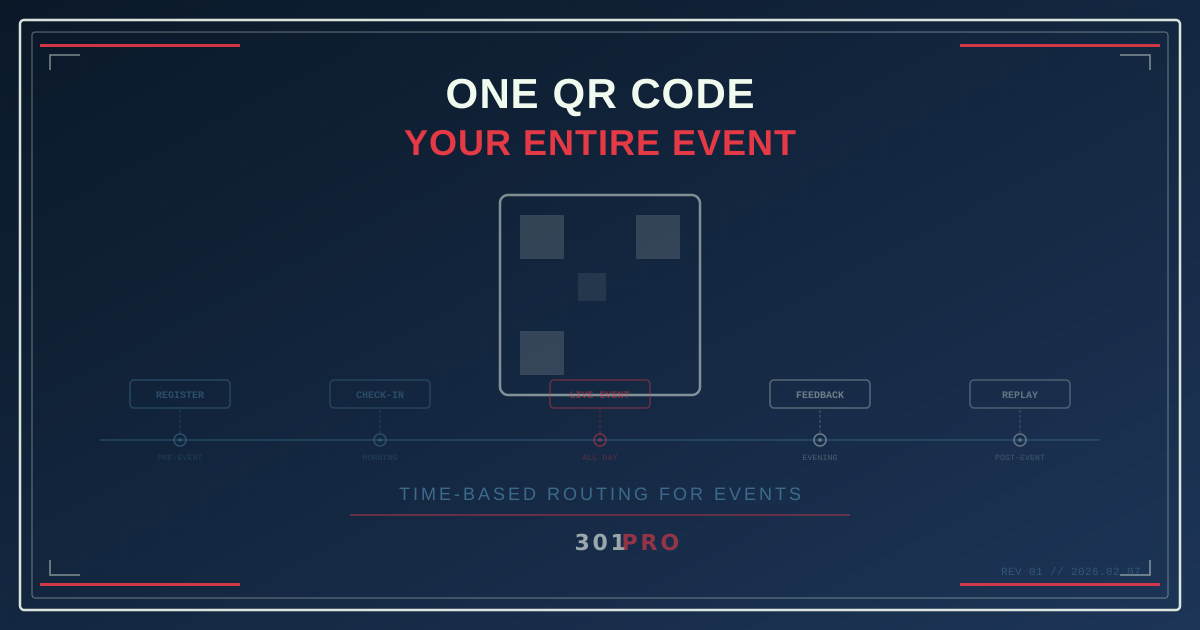
The Four-Code Problem
You’re organizing a conference. Marketing creates a QR code for the registration page. Operations creates a different QR code for check-in. The AV team puts another QR code on the presentation slides linking to live polls. And after the event, someone generates yet another QR code for the session recordings.
Four QR codes. Four different URLs. Four things for attendees to keep track of. Four things for your team to manage. And inevitably, someone scans the registration code two weeks after the event and hits a closed registration page.
There’s a better way. One QR code. One short link. The destination changes automatically based on when someone scans it.
Time-Based Routing: The Magic Behind It
The concept is straightforward: a single dynamic QR code points to a short link that routes to different destinations based on the current date and time. You set up the rules once, and the link does the right thing at the right time.
Here’s what that looks like for an event on March 15, 2026:
| Time Period | Scan Destination | Purpose |
|---|---|---|
| Feb 1 - Mar 14 | Registration page | Early bird and general registration |
| Mar 15, 7:00 AM - 8:59 AM | Check-in page | Badge pickup, QR check-in |
| Mar 15, 9:00 AM - 5:00 PM | Live event hub | Schedule, maps, live polls, session info |
| Mar 15, 5:00 PM - 11:59 PM | Feedback survey | Post-event survey while it’s fresh |
| Mar 16 onward | Replay and resources | Session recordings, slides, photo gallery |
One QR code. Printed on the event website, the email invitation, the physical signage, the badges, and the swag bags. It always takes people where they need to go.
Why This Matters More Than You Think
Attendee Experience
Every QR code you ask someone to scan is a decision point. “Is this the right one? Is this the check-in code or the session code? Wait, which one did I scan last time?”
One code eliminates all of that. Scan this code. Done. It knows what you need based on when you’re scanning.
Signage Simplicity
If you’re printing event signage — banners, posters, table cards, badge inserts — one QR code means one design. No need for different signage for different phases of the event. The banner in the lobby works before, during, and after the event because the code adapts.
This is especially powerful for recurring events. Print the signage once, reuse it every year. Just update the routing rules for the new dates.
Reduced Error Surface
Four codes means four chances to link to the wrong page, four URLs to test, four codes to verify before printing. One code means one thing to get right. If it works on February 1st, it’ll work on March 16th — just with a different destination.
Setting It Up with 301.Pro
Here’s the practical setup:
Step 1: Create Your Short Link
Create a single link in 301.Pro. Something like 301.pro/cde/conf2026. This is the URL your QR code will encode.
Step 2: Build Your Destinations
You need landing pages for each phase. These don’t all need to exist at link creation time — you can add and update them as the event approaches. But sketch out what each phase needs:
Pre-event (Registration):
- Event overview
- Speaker lineup
- Registration form
- Hotel and travel info
Check-in:
- QR-based check-in flow
- Badge pickup instructions
- Venue map
- Day-of logistics
During event:
- Live schedule with real-time updates
- Session room maps
- Live polling links
- Sponsor information
- Social media hashtag and feed
Post-event (same day):
- Feedback survey
- “Thank you for attending” message
- Teaser for next event
Post-event (days/weeks after):
- Session recordings
- Slide decks and resources
- Photo gallery
- Community or Slack invite
Step 3: Configure Time-Based Rules
In 301.Pro’s rules engine, set up routing rules based on date and time. Each rule specifies a time window and a destination URL. Rules are evaluated in order, and the first match wins.
The rules engine handles this cleanly because it’s the same logic used for time-based marketing campaigns — morning vs. evening routing, weekday vs. weekend routing, or seasonal routing. Events are just a specific application of the same capability.
Step 4: Generate and Print
Generate your QR code from the short link. Because 301.pro/cde/conf2026 is a short URL, the resulting QR code is simple — few modules, large squares, easy to scan from any distance.
Print it everywhere: email headers, social media posts, physical signage, badge lanyards, table cards, presentation slides, swag bags. One code rules them all.
Step 5: Monitor and Adjust
As the event approaches, you can see scan activity in real-time:
- How many people are scanning the pre-event code? (Tracks interest and marketing effectiveness)
- Are check-in scans happening smoothly? (Monitors operational flow)
- Which sessions have the most live scans? (Measures session engagement)
- How quickly do people fill out the feedback survey? (Optimizes survey timing)
If something isn’t working — the check-in page is too slow, the live hub URL changed, a session got rescheduled — you update the destination. No reprinting. No new QR codes. Just change the rule.
Advanced Event Strategies
Once you’ve got the basics working, there are some powerful extensions:
Geography-Based Room Routing
For multi-track conferences, combine time and device rules:
- Main conference QR scanned in Ballroom A → Track A schedule
- Same QR scanned in Ballroom B → Track B schedule
While geographic routing at room-level granularity depends on how precise your location data is, you can achieve similar results by creating per-room short links that share the same time-based structure.
VIP vs. General Attendee Routing
Use different short links for VIP badges and general badges, but apply the same time-based routing logic to both. VIP attendees get routed to VIP check-in, VIP lounge info, and exclusive content. General attendees get the standard experience. Same event, personalized paths.
Sponsor Booth QR Codes
Each sponsor booth gets one QR code that works differently at different times:
- During exhibit hours → Sponsor’s product demo or lead capture form
- During sessions → “Visit us at Booth 42 during the next break”
- After the event → Sponsor’s follow-up landing page
Hybrid Event Support
For hybrid events (in-person + virtual), combine device-based and time-based routing:
- In-person scan → Physical check-in and venue maps
- Remote scan → Virtual event platform link
This is a simplification, but 301.Pro’s rules engine lets you layer conditions — time + geography, time + device, or any combination — to create intelligent routing that serves different audiences from the same QR code.
Real Numbers
Event organizers who switch from multiple codes to a single dynamic code typically see:
- 40-60% higher scan rates — one code is less confusing than many
- Better post-event engagement — the code on the badge still works after the event, driving people to recordings they wouldn’t have sought out otherwise
- Significant time savings — no managing multiple URLs, multiple codes, multiple QR image assets
The biggest win is often the post-event phase. Without dynamic routing, the event QR code dies when the event ends. With it, that code on the attendee’s badge becomes a permanent link to event content — recordings, slides, community access, and the next event’s registration page.
The Recurring Event Superpower
If your event happens annually (or quarterly, or monthly), the same QR code works every time. You printed “Tech Conference” signage with a QR code last year. This year, update the time-based rules for the new dates. The signage still works.
For conference organizers who invest in high-quality permanent signage, this is a meaningful cost savings. The QR code on the podium, the banners, the branded materials — all of it works year after year with zero reprinting.
Start With Your Next Event
You don’t need a 10,000-person conference to try this. It works for a 50-person workshop, a team offsite, a product launch party, or a webinar with in-person attendance.
One QR code. Time-based routing. Every phase of the event handled automatically. Your attendees scan once and always land in the right place.
It’s one of those things that sounds complicated until you set it up, and then you wonder why events ever needed more than one QR code.