Clean Clicks Only: How to Trust Your Link Analytics Again
← Back to Blog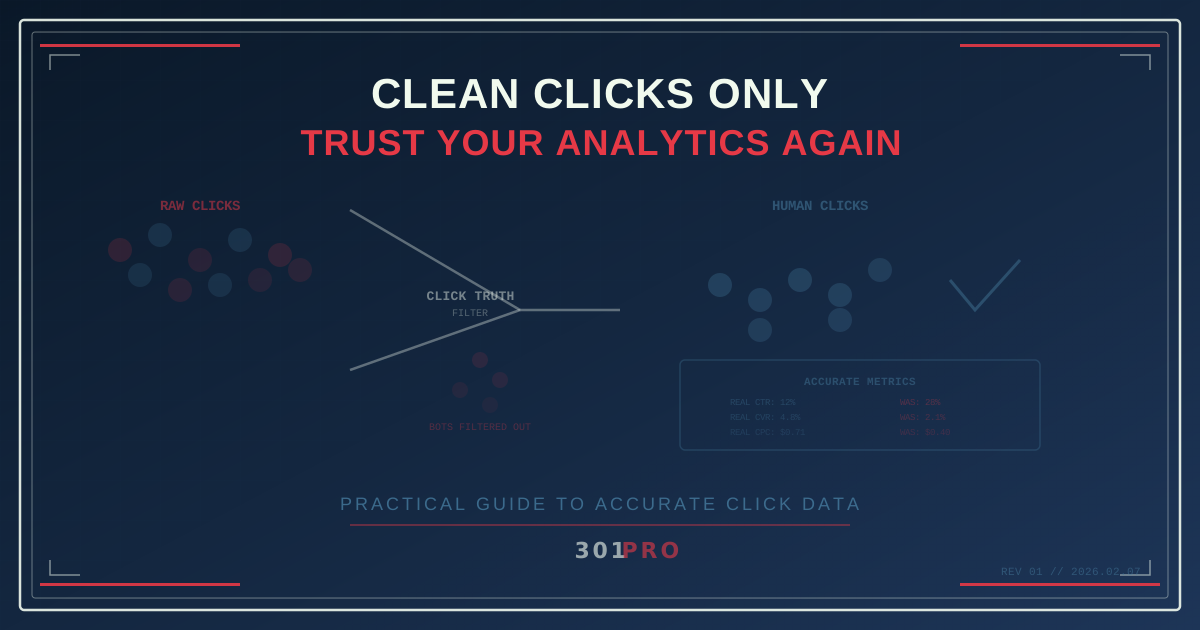
The Trust Problem
You’ve been staring at your link analytics dashboard for twenty minutes, and something feels off. The numbers are big — impressively big — but they don’t connect to reality. Click-through rates are suspiciously high. Conversion rates are suspiciously low. Channel performance swings wildly from week to week for no obvious reason.
The problem isn’t your campaigns. The problem is your data. Somewhere between the click and the dashboard, your analytics got polluted. Bot traffic, prefetch scanners, crawler bots, and security pre-checks all register as “clicks” in most analytics platforms. Your real engagement data is buried under a layer of noise.
Here’s how to dig it out.
Step 1: Understand What’s Contaminating Your Data
Before you can clean your analytics, you need to know what’s making them dirty. The main culprits:
Email Security Pre-Scanners
When you send an email campaign, recipients behind corporate email gateways have their links pre-scanned by security services. Microsoft Safe Links, Proofpoint URL Defense, Barracuda, and Mimecast all follow every link in the email before the human recipient even sees it.
Impact: In 301.Pro’s own click data, email click counts are commonly inflated by 30-60%. Some campaigns show every email recipient “clicking” within seconds of delivery.
Signature: Clicks that happen within 0-5 seconds of email delivery, clustered in tight time windows, from datacenter IP addresses.
Social Media Preview Bots
When someone shares your link on Slack, Twitter, Discord, or iMessage, the platform’s bot fetches the URL to generate a preview card.
Impact: Every share generates at least one bot “click” — sometimes more, as different platforms have different preview services.
Signature: User-agent strings identifying as preview fetchers (Slackbot, Twitterbot, etc.), single-page visits with no further navigation.
Search Engine Crawlers
Googlebot, Bingbot, and others follow links to index destination content.
Impact: Moderate click inflation, concentrated around newly shared or newly indexed links.
Signature: Known crawler user-agent strings, regular crawl patterns, no conversion activity.
Malicious Bots
Scrapers, vulnerability scanners, and click fraud bots. These serve no legitimate purpose and actively harm your data quality.
Impact: Variable, but can be significant. In our own data, some campaigns see 5-15% of clicks from malicious bots.
Signature: Irregular patterns, rotating user agents, probing behaviors, high velocity from single sources.
Step 2: Audit Your Current Data
Before switching to cleaner analytics, audit what you have. This gives you a baseline to understand how much noise exists in your current data.
Run this analysis on your last 30 days of link data:
-
Time distribution. Plot clicks over time at minute-level granularity. Legitimate human traffic follows patterns — morning commute, lunch break, evening browsing. Bot traffic creates sharp spikes (email pre-scanners hitting all at once) or uniform distributions (crawlers working 24/7).
-
Click-to-action ratio. For each link, compare total clicks to meaningful downstream actions (page views, signups, purchases). A link with 10,000 clicks and 100 page views has a 99% noise rate.
-
Source analysis. Look at user-agent strings, IP addresses, and referrers. Datacenter IPs (AWS, Google Cloud, Azure) sending clicks are almost certainly bots, not humans browsing from their homes.
-
Channel comparison. Compare click rates across channels. If your email click-through rate is 3x higher than your SMS click-through rate on the same offer to a similar audience, email bot inflation is probably the reason.
Step 3: Choose Analytics That Filter
The fundamental problem with most link analytics is that they count HTTP requests, not human engagement. Every request to a short link gets logged as a “click” regardless of what made it.
301.Pro’s Intelligent Bot Management takes a different approach. Instead of counting requests and hoping they represent humans, it classifies every interaction:
- Verified human clicks — your primary metric, representing real browser-based interactions from actual devices
- Identified bot clicks — classified by type (security scanner, search crawler, social previewer, malicious) and tracked separately
- Suspicious clicks — interactions that show automated characteristics but aren’t definitively classified
Your dashboard shows human clicks by default. Bot traffic is available in a separate view for those who want to see it, but it never contaminates your campaign metrics.
Step 4: Set Clean Baselines
Once you have bot-filtered data, everything you thought you knew about your performance benchmarks changes. This is a good thing, even though the numbers go down.
Typical baseline shifts after bot filtering:
| Metric | Raw Data | Clean Data | What Changed |
|---|---|---|---|
| Email CTR | 28% | 12% | Security scanners removed |
| SMS CTR | 15% | 11% | Pre-fetch bots removed |
| Social CTR | 22% | 14% | Preview bots removed |
| QR scan rate | 8% | 7.5% | Minimal bot impact |
| Conversion rate | 2.1% | 4.8% | Denominator is now accurate |
The conversion rate increase is the most important shift. When you remove fake clicks from the denominator, your conversion rate better reflects how well your content converts actual interested humans.
Establish new baselines from at least 30 days of clean data before making optimization decisions.
Step 5: Restructure Your Reporting
With clean data, restructure how you report to stakeholders:
Primary Metrics (Human Only)
- Human clicks
- Human click-through rate
- Conversion rate (against human clicks)
- Cost per human click
- Revenue per human click
Context Metrics (Supplementary)
- Total interactions (human + bot)
- Bot rate by channel
- Bot type breakdown
- Trend in bot activity over time
Removed from Reports
- Raw click counts without classification
- Click-through rates calculated from unfiltered data
- Channel comparisons based on raw numbers
This restructuring accomplishes two things: your primary metrics become reliable decision-making inputs, and your context metrics give you visibility into the noise level so you can monitor whether bot activity is changing.
Step 6: Optimize Against Clean Data
Now that your data is clean, your optimization decisions become dramatically more effective:
Channel Allocation
Re-evaluate your channel mix based on human engagement, not inflated bot numbers. Channels with lower raw click counts but higher human-click ratios might deserve more budget. QR code campaigns, which have naturally low bot rates, often look much better under clean analytics.
Content Optimization
When you’re measuring human conversion rates instead of bot-diluted rates, you can identify which content actually resonates. A 4.8% conversion rate vs. a 3.2% conversion rate is a meaningful signal. A 2.1% vs. 1.9% difference (derived from bot-contaminated data) is just noise.
Timing Optimization
With bot traffic removed, your timing data reflects actual human behavior. If scans peak at 7pm, that’s when real people are engaging. Without filtering, a spike at 10am might just be a batch of email security scanners processing your morning email blast.
Geographic Insights
Bot traffic concentrates in certain geographies (datacenter locations). Clean data shows you where your actual human audience is. This changes geo-targeting decisions, localization priorities, and regional budget allocation.
The Long Game
Clean analytics aren’t a one-time fix. They’re an ongoing practice:
- Monitor your bot rate. If it spikes, something changed — a new campaign channel, a change in email security filtering, or a new scraper targeting your links.
- Review baselines quarterly. As bot behavior evolves and security services change, your bot rate will shift. Update your baselines accordingly.
- Educate stakeholders. Help your team understand that lower click numbers with higher quality are better than inflated numbers with hidden noise.
- Benchmark accurately. If industry benchmarks are based on unfiltered data (and most are), your clean numbers will look lower by comparison. That’s fine. You’re measuring reality. They’re measuring fiction.
The Bottom Line
Trusting your link analytics comes down to one question: are you counting clicks, or are you counting human engagement?
If your platform counts every HTTP request as a “click” — and most do — your data includes security scanners, search crawlers, social previewers, and malicious bots. Your click counts are inflated, your conversion rates are deflated, and your optimization decisions are based on noise.
Clean clicks only. That’s the standard. 301.Pro’s Intelligent Bot Management exists specifically to give you analytics you can trust — human engagement data that means what it says, separated from the automated traffic that comes with operating on the internet.
The best analytics tool isn’t the one that makes your numbers look biggest. It’s the one that makes your numbers true.