Bitly Now Shows Ads Before Your Links — Here's What That Means for Your Brand
← Back to Blog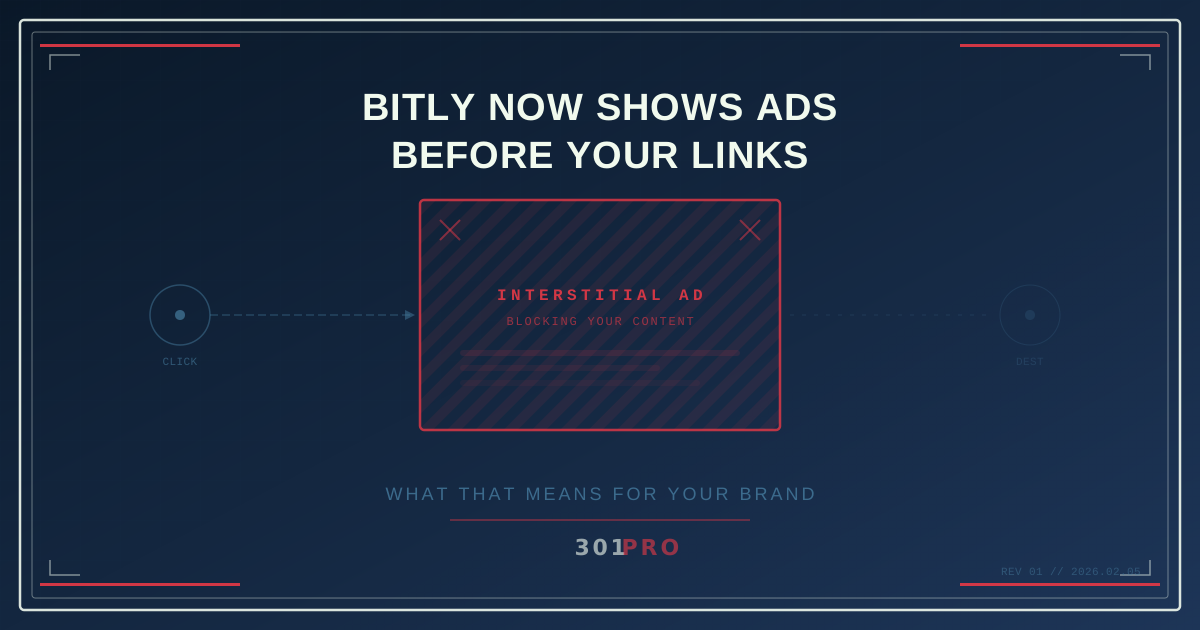
Wait, Bitly Does What Now?
Here’s something a lot of marketers still don’t know: if you’re using Bitly’s free plan, every person who clicks your link now sees an interstitial ad page before they get to your actual destination.
That means your carefully crafted landing page, your product launch, your event registration — all of it gets a speed bump. A full-page ad. From someone else. Before your content even loads.
Let that sink in for a second.
How We Got Here
Bitly has been the default link shortener for over a decade. It was free, it was simple, and everyone used it. The bit.ly prefix became almost as recognizable as http:// itself.
But things changed. New management came in, and the monetization engine fired up:
- The free plan was gutted to just 5 links per month
- QR codes were locked behind paid plans (2 per month on free)
- Interstitial ad pages were added to all free-tier links
That last one is the kicker. When someone clicks a free Bitly link, they don’t go straight to your URL anymore. They land on a Bitly-branded page with advertising, and then they can click through to your actual content.
Why This Actually Matters
You might be thinking “it’s just a quick page, people will click through.” But here’s what the data tells us:
Trust Erosion
When someone clicks your link and sees an unexpected ad page, they don’t think “oh, Bitly is showing ads.” They think your brand is showing ads. Or worse — they think they’ve been sent to a scam.
Click-Through Drop
Every extra step in a user journey loses people. It’s the same reason Amazon obsesses over reducing checkout friction. An interstitial page between the click and the destination is a conversion killer.
SEO Link Equity
Here’s the technical one that keeps SEO folks up at night: a 301 redirect passes link equity (the “authority” juice that helps your pages rank). But an interstitial page isn’t a 301 redirect — it’s a full page load with a client-side redirect. That means your backlinks through Bitly may not be passing SEO value the way they used to.
Professional Appearance
If you’re sending Bitly links in sales outreach, investor decks, or partnership proposals, an ad page in the middle says “I’m using the free version of a consumer tool.” That’s not the impression you want.
Who’s Affected?
If you’re on Bitly’s free plan — and a lot of people are — every link you’ve created is now serving ads. This includes:
- Links in old blog posts
- Links in email signatures
- QR codes on printed materials
- Social media bio links
- Links shared in presentations or documents
The retroactive part is particularly frustrating. Links you created years ago, when free meant actually free, now show ads.
What Are Your Options?
Option 1: Pay Bitly
Bitly’s paid plans start at $10/month (Core) and go up to $199/month (Premium). The ads go away, and you get more links. But you’re also paying for a tool whose core value proposition — making links short and seamless — was undermined by the ad change in the first place.
Option 2: Switch to Another Shortener
This is where most people are landing. The market has options:
- Short.io offers 1,000 free branded links
- TinyURL is simple but has minimal analytics
- Rebrandly focuses on branded domains
Option 3: Switch to a Link Management Platform
This is the level up. Instead of just shortening links, platforms like 301.Pro give you intelligent routing — geo-targeting, time-based redirects, A/B testing, device detection, and bot filtering. All from a single link. No ads. No interstitials. Just a clean 301 redirect.
The Bigger Picture
Bitly’s ad move is a symptom of a broader shift. Link shortening by itself isn’t a sustainable business anymore. The platforms that survive will be the ones that add real intelligence to links, not the ones that monetize by degrading the user experience.
Your links represent your brand. Every click is a moment of trust. Don’t let someone else’s ad get in the way of that.
What To Do Right Now
- Audit your existing Bitly links — Check your website, emails, social profiles, and printed materials for
bit.lyURLs - Test the experience — Click one of your own Bitly free links and see what your audience sees
- Plan your migration — Most link management platforms (including 301.Pro) offer import tools that let you bring your existing links over without breaking anything
- Update going forward — Start using your new platform for all new links immediately
The sooner you move, the less time your audience spends looking at someone else’s ads.